How to Redeem Proof Cryptid Cam Codes
Exact habit loop for when LittleB Studio publishes promo codes — UI patterns, mistakes to avoid, and safety checks.
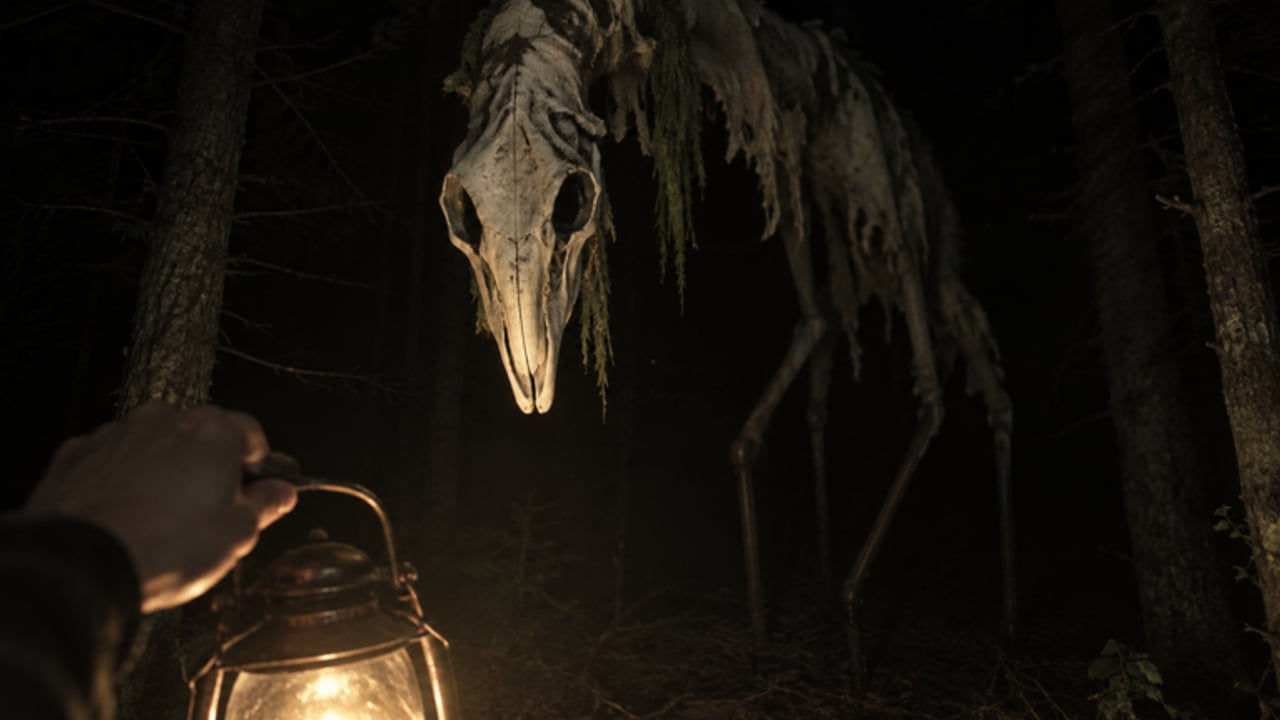
Redeeming codes in Proof Cryptid Cam will follow the same muscle memory as other Roblox horror experiences once LittleB Studio publishes the first public strings. Right now the Codes Hub correctly shows no verified active codes, but learning the redemption flow early means you will not burn lantern oil or lose a Night run fumbling menus when a limited drop finally lands.
This guide walks through the typical Roblox redemption path, Hollow Pines-specific tips, common failure messages, and how to tell a real promo code from a scam. Pair it with Getting Started if you have not sold your first photograph to Ranger Hollis yet.
Before you redeem anything
- Confirm the code is for this game. Proof: Cryptid Cam (place ID 105477723680912, universe 10773557013) does not accept codes from other cryptid titles. If a list does not name Proof Cryptid Cam explicitly, skip it.
- Use the official experience. Join from the Roblox game page titled Proof Cryptid Cam / Proof: Cryptid Cam [UPD2], not a copycat place with a similar thumbnail.
- Stay on a safe network. Never download a separate “code redeemer,” executor, or browser extension that claims to auto-claim oil. Those tools are account risks, not helpers. See the Scripts Hub for why executors are a bad idea here.
- Have inventory space / UI attention. Rewards often appear as currency popups, backpack items, or mailbox gifts. Be ready to notice oil cans or cash so you do not leave them unclaimed.
Step-by-step redemption (typical Roblox horror UI)
Exact labels can shift after updates, so treat button names as patterns rather than permanent strings.
Step 1 — Launch and load into Hollow Pines
Open Roblox, launch Proof Cryptid Cam, and wait until you spawn at the lodge or tutorial area. Codes usually will not redeem from the Roblox website alone; you need the live experience session. Servers hold up to eight players, so a full lobby is fine — redemption is per account, not per server.
Step 2 — Find the Codes or Redeem panel
Look for one of these common entry points:
- A Shop or Store button on the HUD
- A Settings / Menu gear with a Codes tab
- A Rewards, Gifts, or ticket icon near cash
- A billboard or NPC near Ranger Hollis / the lodge desk (some horror games put redemption next to the quest giver)
If the UI moved after an update, check the latest notes on the Updates Hub or developer Discord before assuming codes are broken.
Step 3 — Open the text field
Tap or click Redeem, Enter Code, or Codes. You should see a single-line text box. Mobile players may need to dismiss the on-screen joystick overlay so the keyboard does not cover Confirm.
Step 4 — Paste exactly
Copy the code from a trusted source (this wiki’s Codes Hub, official group shout, or Discord announcement). Paste with:
- Correct capitalization
- No extra spaces before or after
- No quotes or markdown bullets left attached
Many Roblox games treat RELEASE and release as different strings. Do not “fix” spacing unless the official post shows spaces.
Step 5 — Confirm and verify the reward
Press Redeem / Submit. On success you should see a toast, modal, or currency tick. Then check:
- Cash toward gear sold via Ranger Hollis progression
- Oil or lantern-related consumables (critical — oil lasts roughly three minutes)
- Camera / flash related bonuses (flash is about 1.5 seconds of burst)
- Cosmetics or lodge items
If nothing appears, reopen inventory and any mailbox UI before redeeming again. Double-redeeming a one-time code often returns “already used” even when the first attempt actually worked.
Troubleshooting failed redemptions
| Symptom | Likely cause | What to do |
|---|---|---|
| Invalid / wrong code | Typo, wrong game, or fake list | Re-copy from official source; confirm it is for Proof Cryptid Cam |
| Already redeemed | One-time per account | Check inventory; do not retry endlessly |
| Expired | Limited event window | Move the code to Expired on our hub when confirmed |
| No Codes button | UI moved or feature not shipped yet | Wait for an update that enables redemption; follow Updates |
| Kick / error spam | Unstable session or exploit client | Rejoin on a clean Roblox install without executors |
If the game simply has no redeem UI yet, that matches the current research state: no public codes means the studio may not have wired a live codes panel — or the panel exists but is empty. Do not install third-party tools to “force” redemption.
How to stay first in line for new codes
- Join the official Roblox group and enable shout notifications when possible.
- Watch Discord announcement channels after Friday-style content drops (new cryptids such as Bell Widow or The Negative often ship with social posts).
- Refresh the Codes Hub after major Updates — we only list strings we can attribute to a real source.
- Ignore DMs selling “private code packs.” Real promo codes are free and public.
Safety rules while redeeming
- Never enter your Roblox password into a website that claims to redeem codes for you.
- Never run a free executor “just to claim codes faster.” Infinite oil cheats and ESP scripts violate Roblox Terms of Use and can cost the account; legitimate play is safer and still fun in Deep Woods, Black Bog, and Harrow Field.
- Never trade account access for a code.
- Prefer copying from HTTPS pages you trust; malware links often ride trendy code search traffic for new betas.
Using rewards wisely in Hollow Pines
When oil or cash codes eventually appear, spend them with the same discipline as earned loot:
- Top off lantern oil before pushing into Black Bog or the Harrow Field corn maze.
- Do not dump flash boosts on empty woods — save burst light for confirmed contacts like Chupacabra or Mothman.
- If a code grants cash, prioritize reliable camera and lantern upgrades tracked on the gear tier list instead of impulse cosmetics.
- Remember threat priority from the cryptid tier list: The Negative, Bell Widow, and Longwalker punish greedy photo attempts more than Squonk or early Pale Deer sightings.
Practice the loop without codes
Until a string exists, treat redemption practice as UI familiarity only. Your real progression path is:
- Manage ~3 minutes of oil per outing.
- Respect ~1.5 second flash windows.
- Capture sellable proof for Ranger Hollis.
- Unlock safer routes through Deep Woods, Black Bog, and Harrow Field.
That loop is documented in Getting Started and reinforced across the Tier List Hub. Codes will accelerate it later; they will not replace it.
After you redeem — what to do next
- Log which code you used so you do not retry it next week.
- If rewards included consumables, start a short lodge-out-and-back run instead of a deep marathon — learn the new resource count.
- Report clearly broken official codes (redeem UI errors on a just-announced string) in community channels with screenshots, not with demands for scripts.
- Return to the Codes Hub periodically; empty today does not mean empty after the next UPD.
Learning this redemption checklist now means the first Proof Cryptid Cam code drop becomes a thirty-second errand instead of a panicked search while something tall moves between the corn rows.
Frequently Asked Questions
Quick answers for Hollow Pines survivors.
Can I redeem Proof Cryptid Cam codes on the Roblox website?
Usually no. Join the live experience and use the in-game Codes or Redeem panel. Website-only redemption is uncommon for this genre.
Why does the game say invalid code?
Most often the string is for another game, mistyped, expired, or not published yet. Confirm it against the Codes Hub or an official LittleB Studio post.
There is no Codes button in my UI. Is the guide wrong?
The panel can move after updates, or codes may not be enabled while no public promos exist. Check Updates and official channels before installing third-party tools.
Is it safe to use a code generator site?
No. Generators and auto-redeem downloads are frequent malware and phishing vectors. Only enter codes inside the official Roblox game client.
What should I spend code rewards on first?
Oil and core camera/lantern upgrades that extend safe photo runs. See the gear tier list before buying cosmetics.